Set Alerts
You can enable alerts to receive notifications about events, such as liquidations, maturities, or renewals.
Alert Types
In-app notifications are enabled by default. Tenor supports four alert types:
| Alert | Description |
|---|---|
| Liquidation | Notifies you when a position is at risk of liquidation. You can configure the threshold. |
| Maturity | Reminds you before a position matures. You can configure the timing. |
| Activity | Updates you on renewals and limit offer executions. |
| Inbox | Notifies you when a counterparty responds to your quote request. |
View Your Notifications
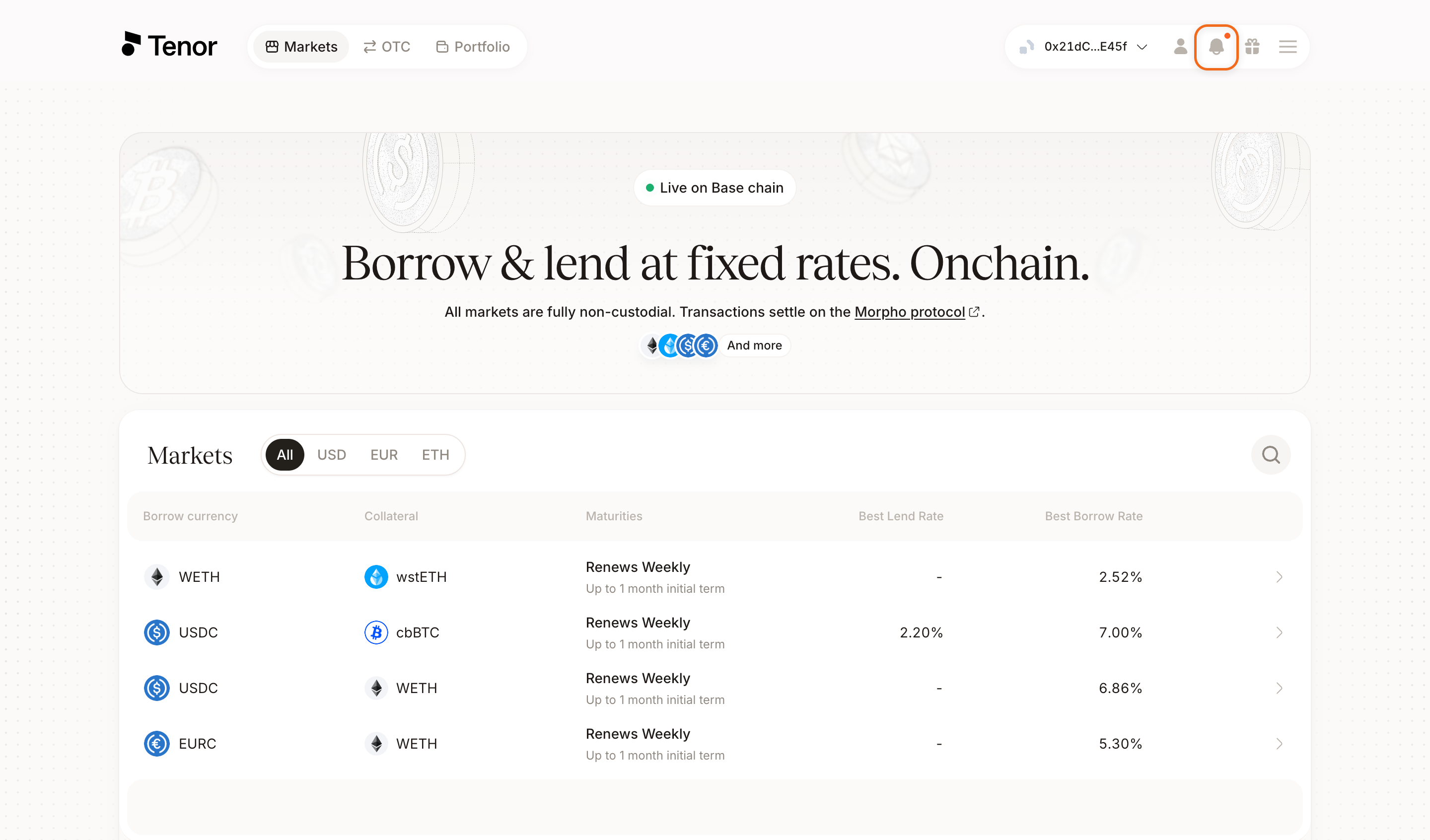
Click the bell icon in the navbar to open the notification panel. Any notifications you have are listed there.
Manage Your Alerts
In the notification panel, click Preferences in the header.
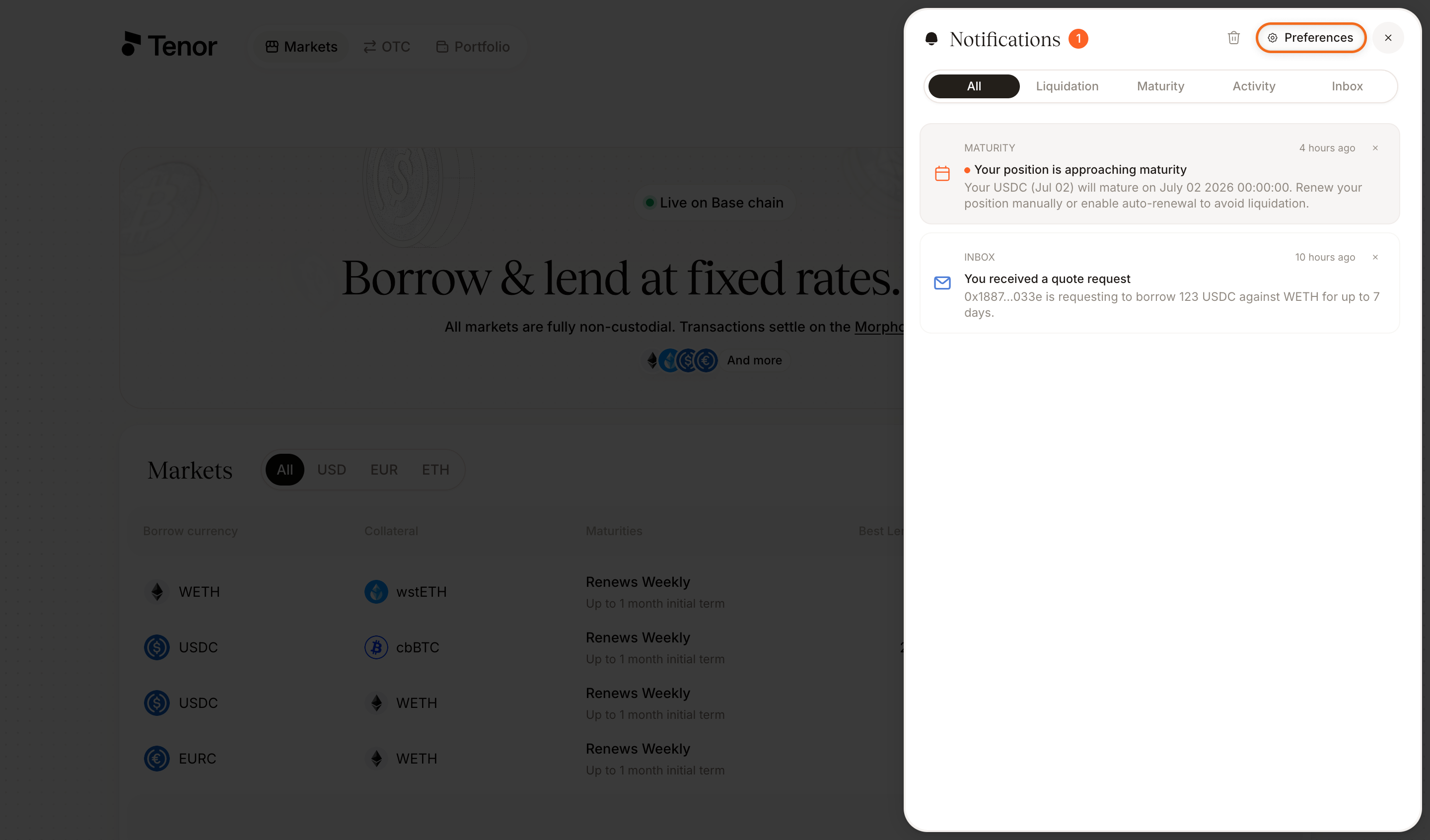
Each alert type can be turned on or off independently with its toggle.
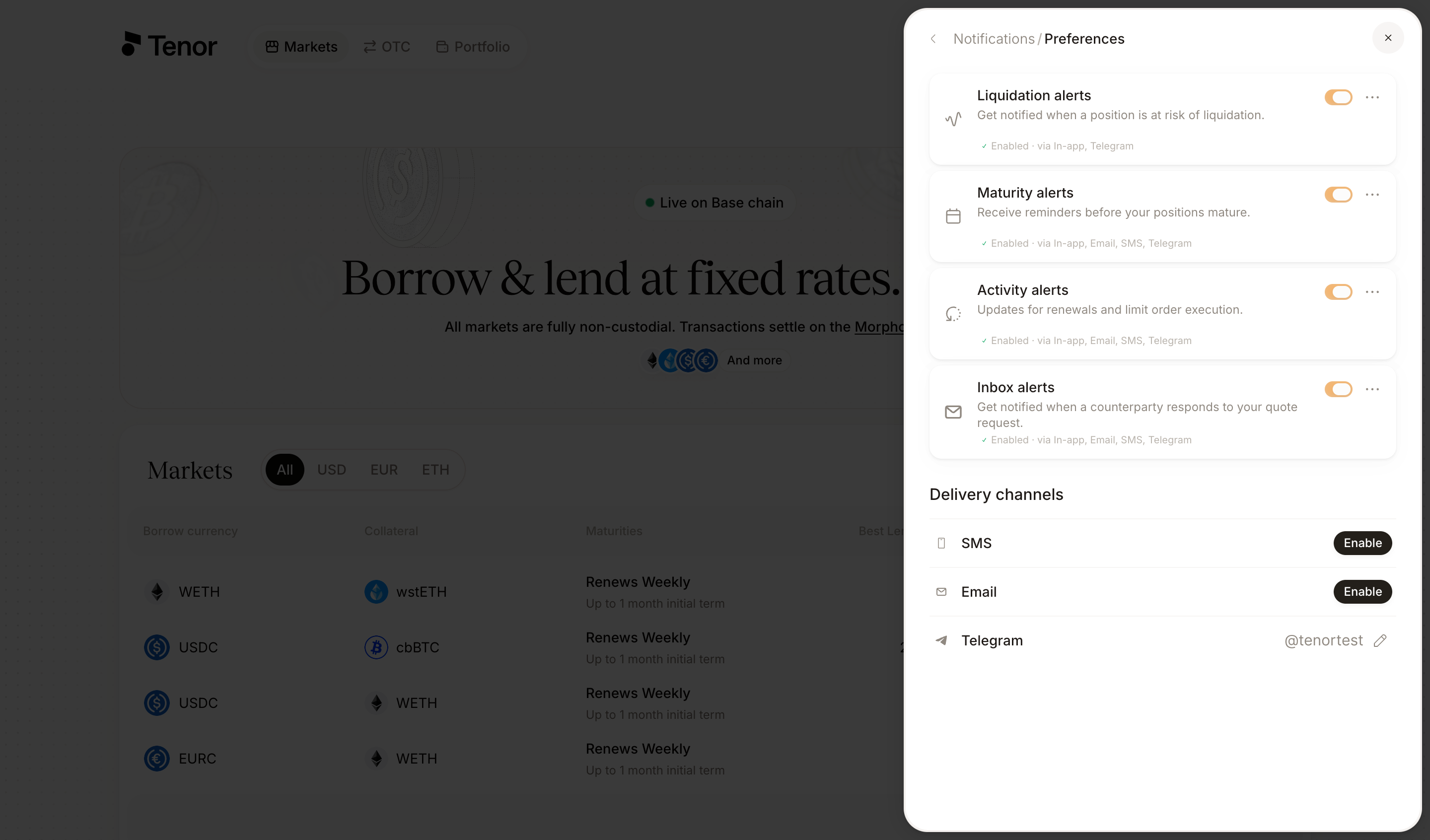
Beyond in-app, Tenor delivers alerts over email, SMS, and Telegram. Click the three dots beside an alert's toggle to enable or disable each channel for that alert.
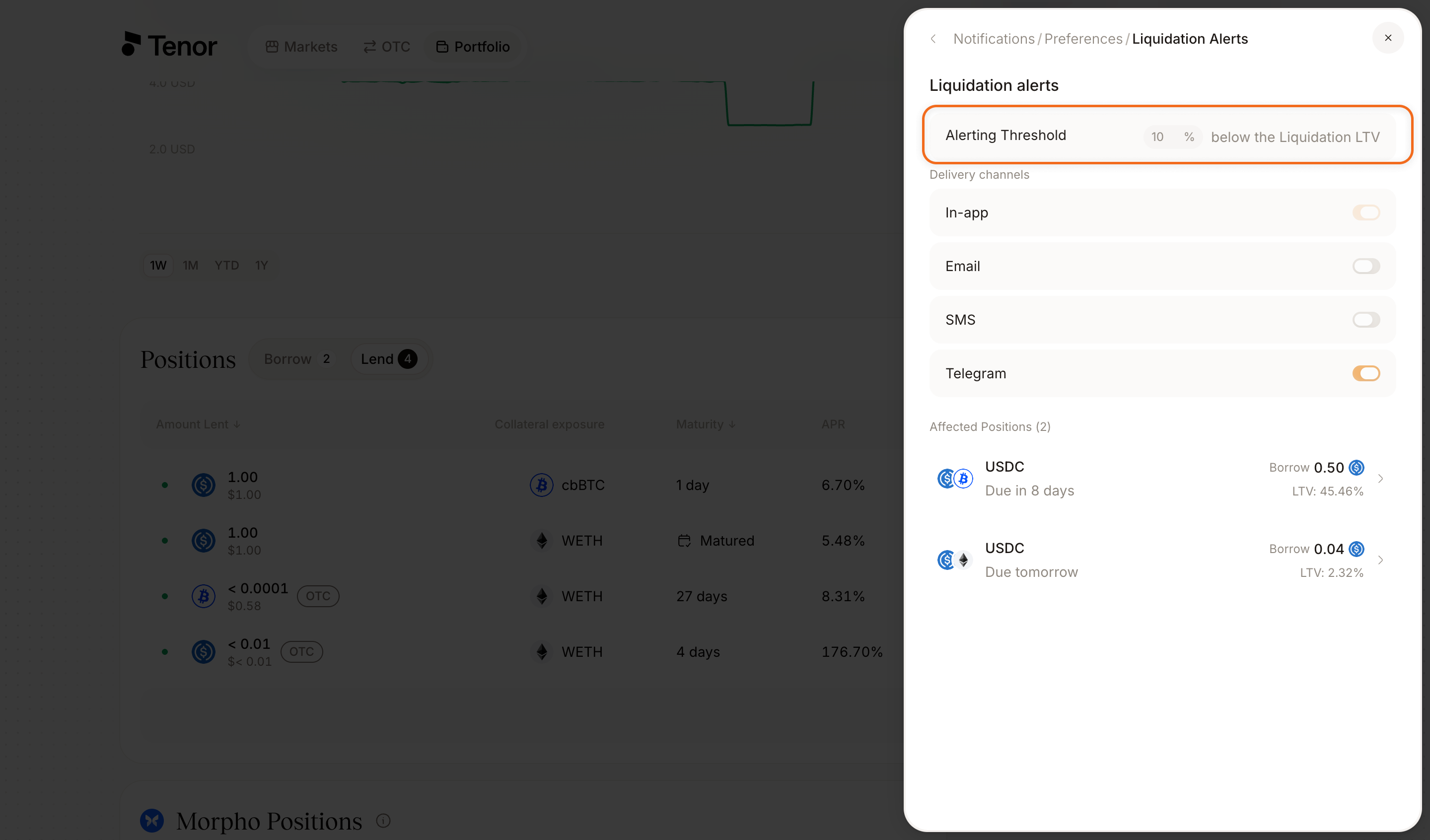
For liquidation alerts, set the threshold at which the alert is triggered, expressed as a percentage below the liquidation LTV. For maturity alerts, set how long before maturity the alert is triggered.
You can edit or disable alerts at any time.
Note: Tenor uses Privy to store your contact information (email, SMS, Telegram).