Claim Rewards
Tenor distributes rewards through Merkl, a decentralized reward distribution protocol. Rewards may come from Tenor or from third-party liquidity incentive programs. You can claim them directly from the Tenor interface or through the Merkl website.
Learn more about how rewards work.
1
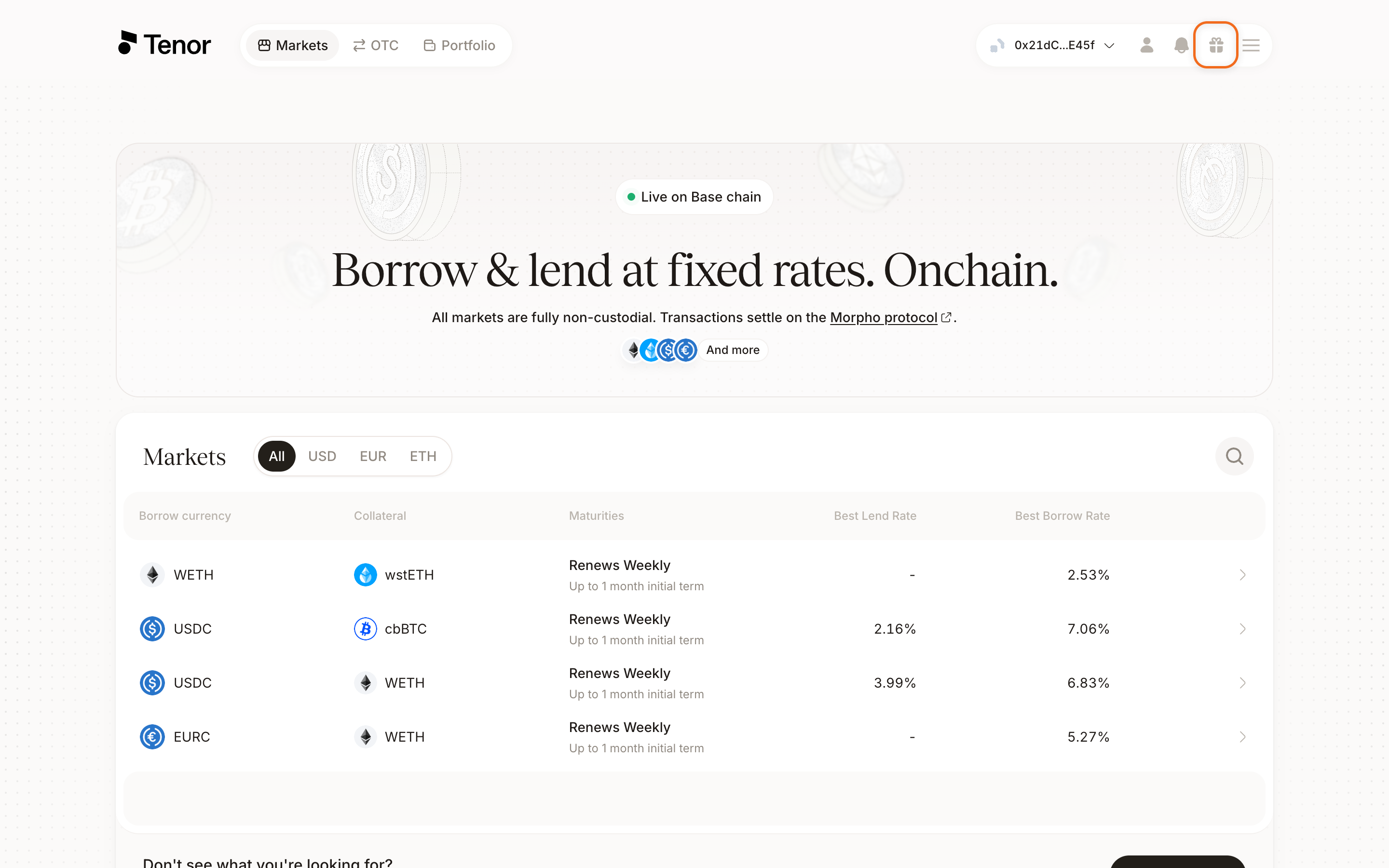
Open the rewards menu
Click the gift icon to the left of the wallet connect button.
2
Select your rewards
Select the rewards you want to claim.
3
Claim
Click Claim.
Note: Rewards are not calculated in real time. Your claimable balance may not reflect your most recent activity immediately.